Built for real conversations, Cosmo translates live two-way conversations accurately and reliably for over 70+ languages in real time, so you and the person across from you always understand each other. We believe in helping you unlock unlimited opportunities by breaking the language barrier.
Whether you're crossing borders or closing deals, Cosmo keeps you understood.
Travel
Travel & Daily Conversations
Navigate new places with confidence. Ask for directions, order food, and connect with locals. No phrasebook needed. Cosmo handles the conversation so you can focus on the experience.
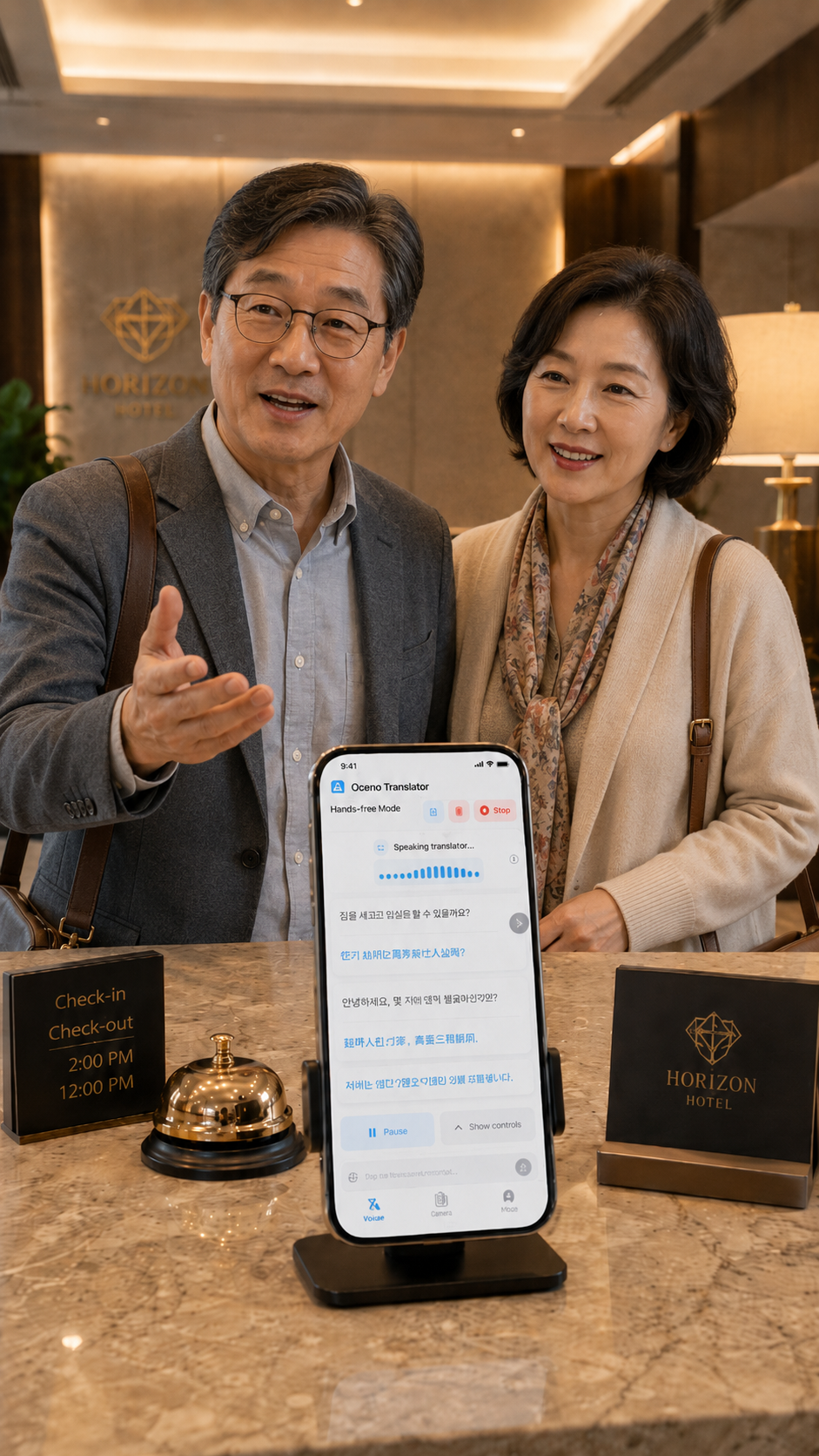
Hospitality
Hotels & Guest Services
From check-in to concierge requests, Cosmo bridges the gap between staff and guests speaking different languages, making every stay feel seamless and personal.
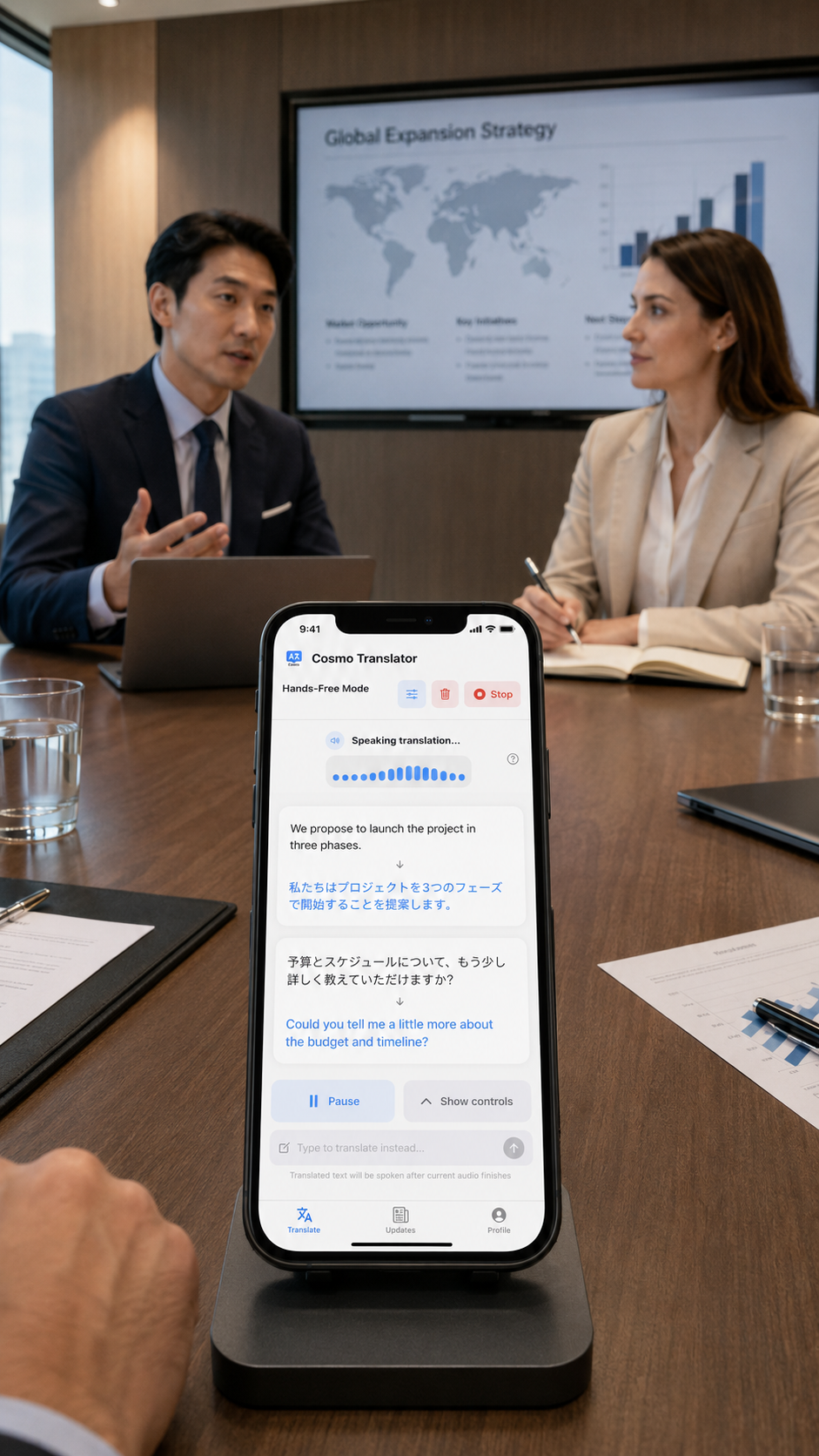
Business
Business Meetings & Negotiations
Walk into any room ready. Cosmo translates live in both directions so you can negotiate, collaborate, and build relationships with partners around the world, in real time.
Languages
Speak to anyone, anywhere
Cosmo supports 70+ languages — from widely spoken to regional. A sample of what's available:
Two modes for every situation. Whether you're in a quiet café or a crowded market.
Hands-Free Mode
Automatic voice detection handles turn-taking for you. Just speak naturally - Cosmo knows when to listen and when to translate. Set it down and forget about it.
Press & Hold Mode
Perfect for noisy environments and precise turn-taking. Tap and hold to speak, release to translate. Full control, no noise bleed.
70+ Languages Supported
From Spanish and Mandarin to Japanese, Arabic, Korean and beyond. Cosmo covers the languages you actually encounter when you travel.
Live Conversation Log
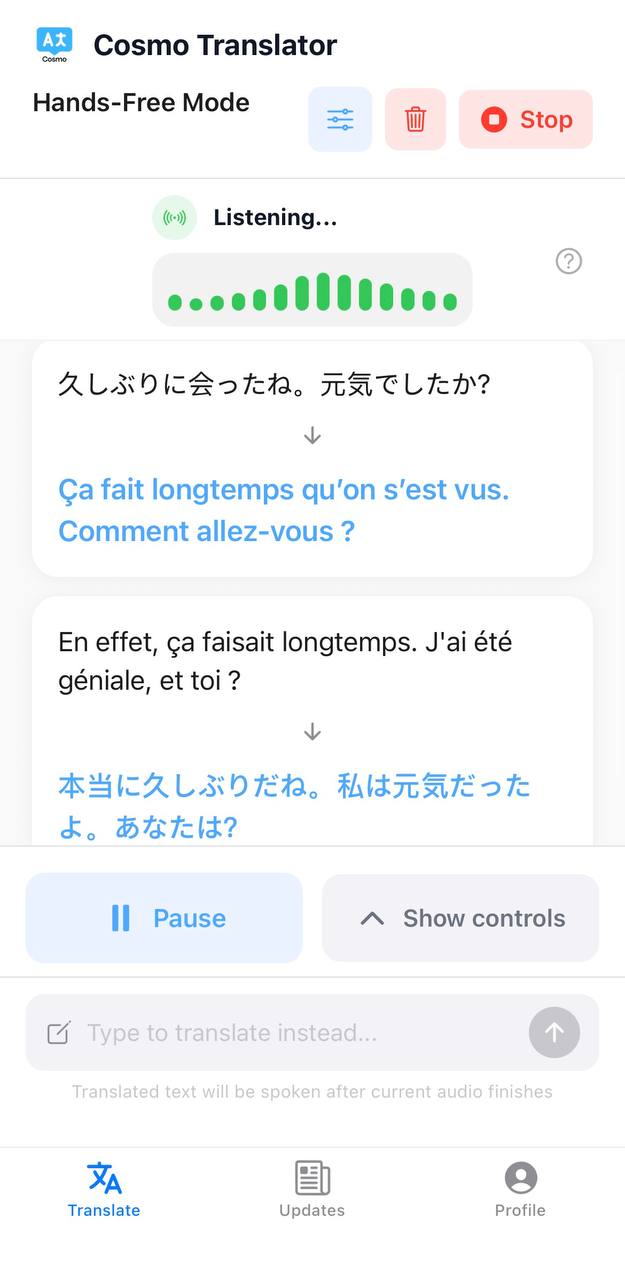
Every exchange is logged in both languages in real time, so you can scroll back, reference what was said, or catch anything you missed.
Interruptions Mode
Cosmo keeps listening even while translated audio plays, so the conversation flows naturally without awkward pauses or waiting.
No Account to Start
Get 25 free guest credits on launch - no sign-up, no credit card. Translate your first conversations before you decide to create an account.
See it in action
Your voice. Their language. Instantly.
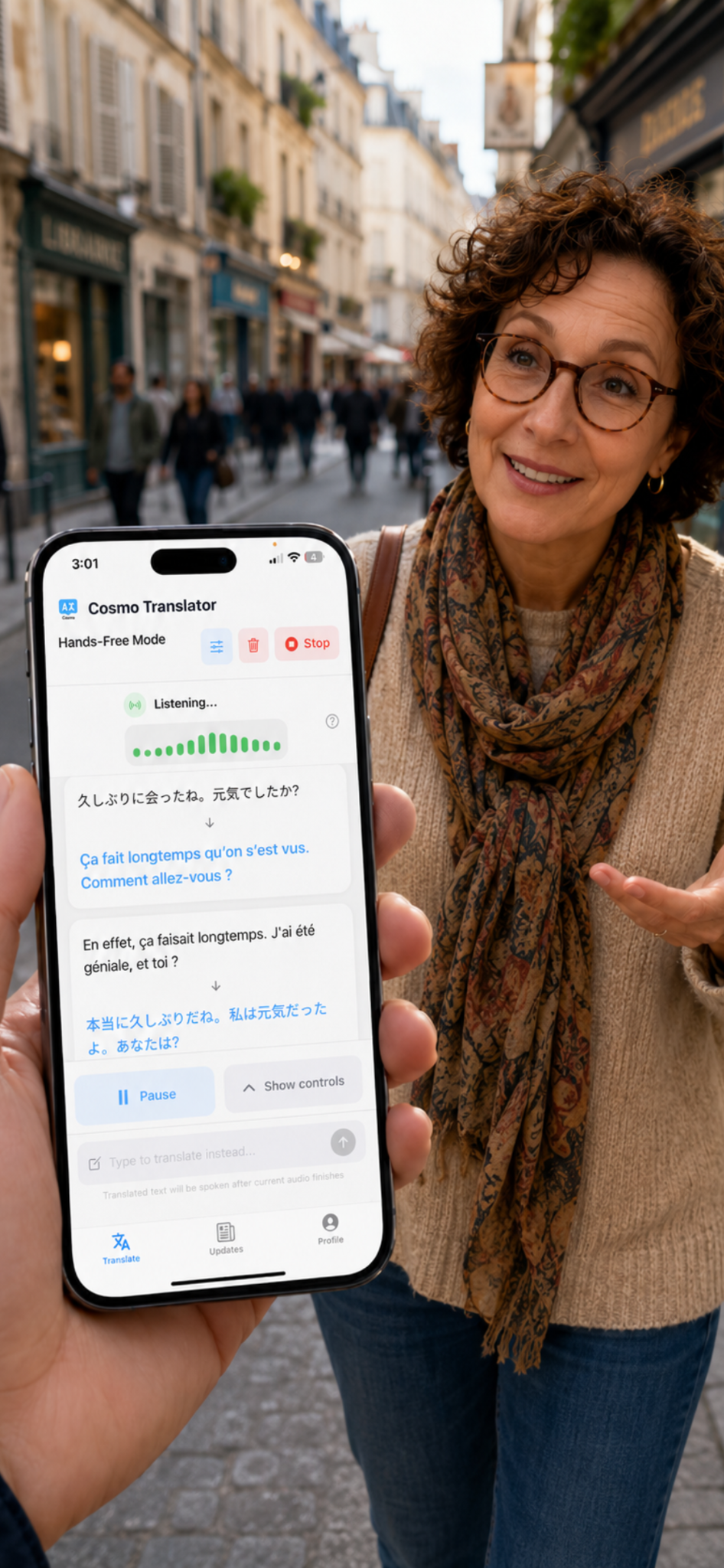
Cosmo listens, translates, and speaks - so both sides of the conversation understand each other in real time.
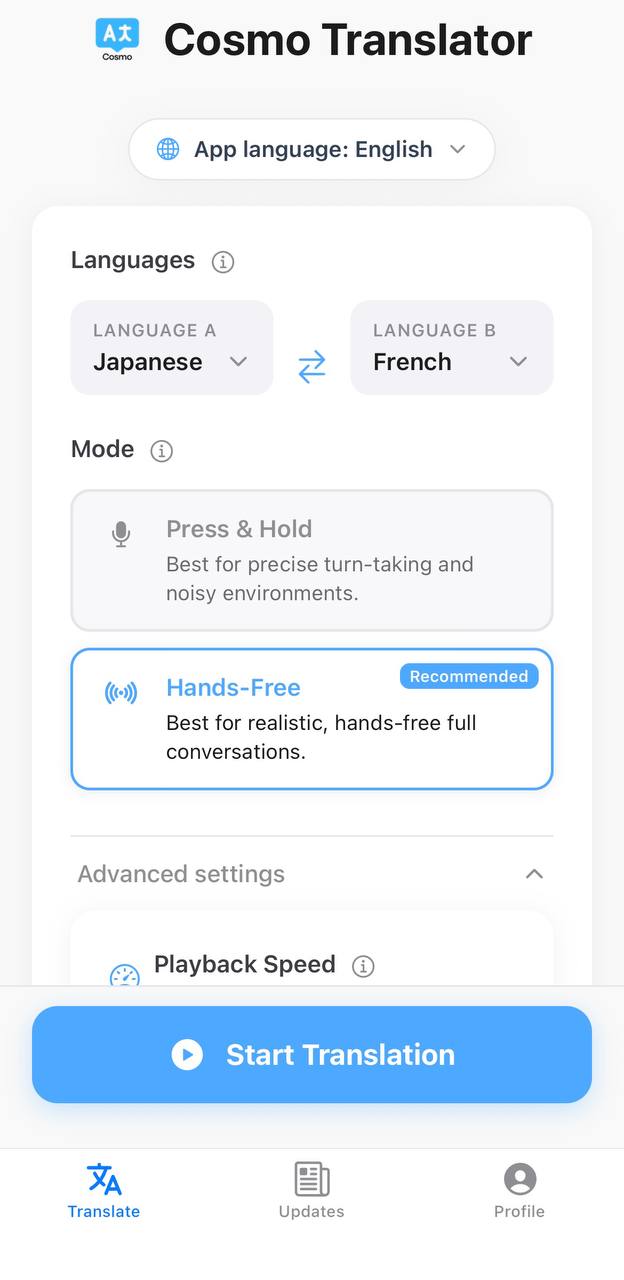
Choose your language pair & mode
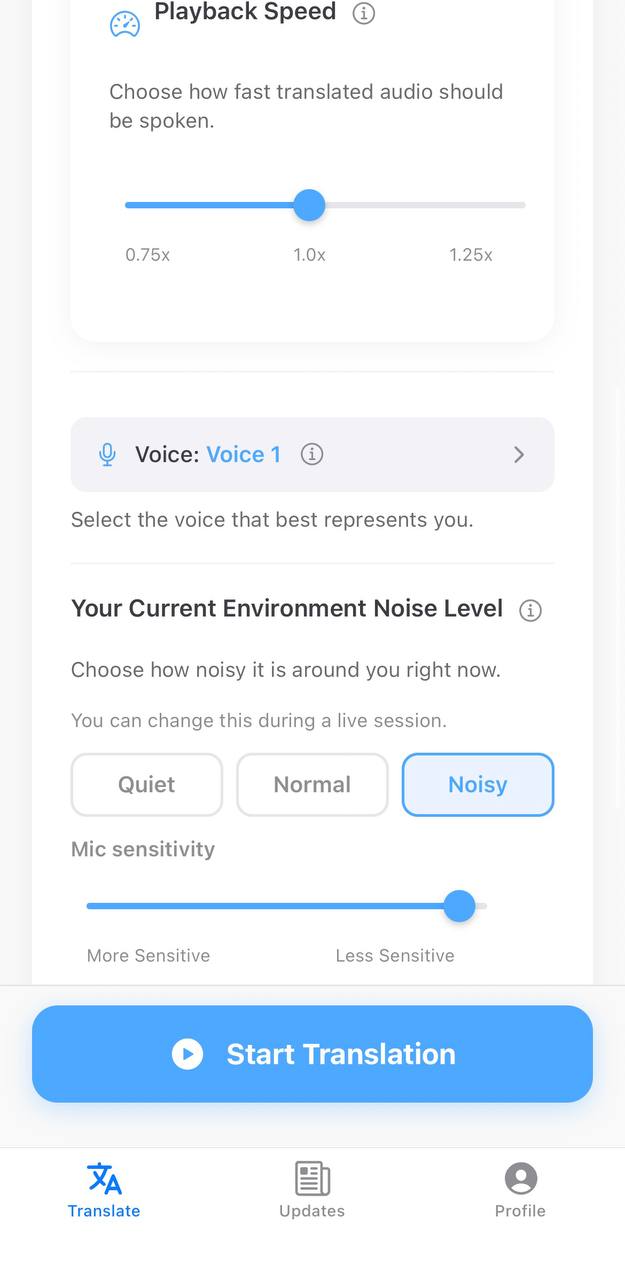
Configure noise level & voice
Live bilingual conversation log
Actively listening & translating
Pricing
Pay for what you need
Start free with guest credits, then choose packs or a subscription that fits how often you translate.
Guest Trial
$0
One-time · No account needed
A simple way to try Cosmo first. Ideal for quick conversations before you commit.
Cosmo separates guest trial credits, subscription credits, and pack credits so usage is always transparent. Subscription credits are used first, then pack credits - your guest trial balance stays separate. You can have one active subscription at a time; pack credits stack on top.
What people say
Real conversations. Real results.
★★★★★
"Used Cosmo in Japan for a whole week. Hands-free mode worked perfectly in restaurants - just set the phone on the table and both of us could talk naturally. Genuinely incredible."
JM
James M.
Traveler, Tokyo trip
★★★★★
"I work with suppliers in China and this has completely changed how I run meetings. Press & Hold is great for noisy conference rooms - precise, clean, no background noise."
SR
Sarah R.
Import/export business
★★★★★
"The credit system is exactly right. I travel a few times a year and don't want a subscription - just grab a pack before each trip. Simple, affordable, and it always works."
AP
Alex P.
Occasional traveler
How Cosmo compares
Built for conversations, not quick lookups.
General-purpose translation tools do a lot of things. Cosmo does one thing well: live, two-way spoken conversations between two people.
Feature
Cosmo
Google Translate
Other Translator Apps
Two-way live voice translation
Yes, purpose-built
Basic, manual taps
Varies by app
Automatic voice detection (no tapping)
Yes (Hands-Free Mode)
No
Rarely
Noise sensitivity and interruption control
Yes (Press & Hold + Hands-Free)
No
Limited
Interruptions Mode (listens while audio plays)
Yes
No
Rarely
Live bilingual conversation log
Yes, scrollable
No
Some
Pricing model
Free trial, pay-per-use packs, or subscription
Fully free
Subscription or upfront paywall
Offline use
No (requires internet)
Yes (select languages)
Some (often paywalled)
Platforms
iOS & Android
iOS, Android, Web
iOS & Android
Google Translate is great for text, photos, and quick phrase lookups. Most other apps lock core features behind a subscription. Cosmo is built for live spoken conversations and lets you pay only for what you actually use.
FAQ
Common questions
Yes. Cosmo is free to download and comes with 25 guest credits on first launch, no account or credit card required. You can translate your first conversations right away. If you need more, you can top up with a one-time credit pack starting at $3.99, or choose a weekly or monthly subscription.
No. Cosmo requires an internet connection to translate. It uses cloud-based AI models to deliver accurate, real-time translations, which is what makes the quality reliable. A Wi-Fi or mobile data connection is needed during each conversation session.
Credits are consumed when you translate. Cosmo has three separate buckets: guest trial credits (free, one-time), subscription credits (refresh on renewal), and pack credits (one-time purchase). Subscription credits are used first, then pack credits. Guest trial credits are separate from your paid balance and cannot be replenished.
Hands-Free mode automatically detects when someone is speaking and translates without any button press - great for natural, flowing conversations. Press & Hold requires holding a button to record, giving you precise control over when translation happens. Use Press & Hold in noisy environments where the mic might pick up background sound.
Yes. You get 25 free guest credits when you first open the app - no account, no credit card required. You'll need a Cosmo account to purchase credit packs or start a subscription.
Subscription credits refresh when your plan renews - unused subscription credits do not carry over. Pack credits are yours until used; they never expire. Guest trial credits are one-time only and cannot be replenished.
Cosmo supports 50+ languages including Spanish, Mandarin Chinese, Japanese, French, German, Arabic, Korean, Portuguese, Hindi, Italian, Dutch, Turkish, and many more. You can select your language pair directly in the app before starting a session.
Yes. Credit packs are completely separate from subscriptions and can be added to any plan. Subscription credits are consumed first; pack credits are your reserve. You can only hold one active subscription at a time - subscriptions don't stack with each other.
Cosmo uses advanced AI models to deliver fast, accurate, and natural-sounding translations in real time. Unlike basic translation apps, every conversation is processed through these models which require computing power to run, and that has a cost. Credits are how we keep the service running while making sure you only pay for what you actually use. You can start for free with 20 guest credits, no account needed.
Start your first conversation for free.
25 guest credits. No account. No credit card. Just download and go.